Task walkthroughs
Sign in
Getting into your books.
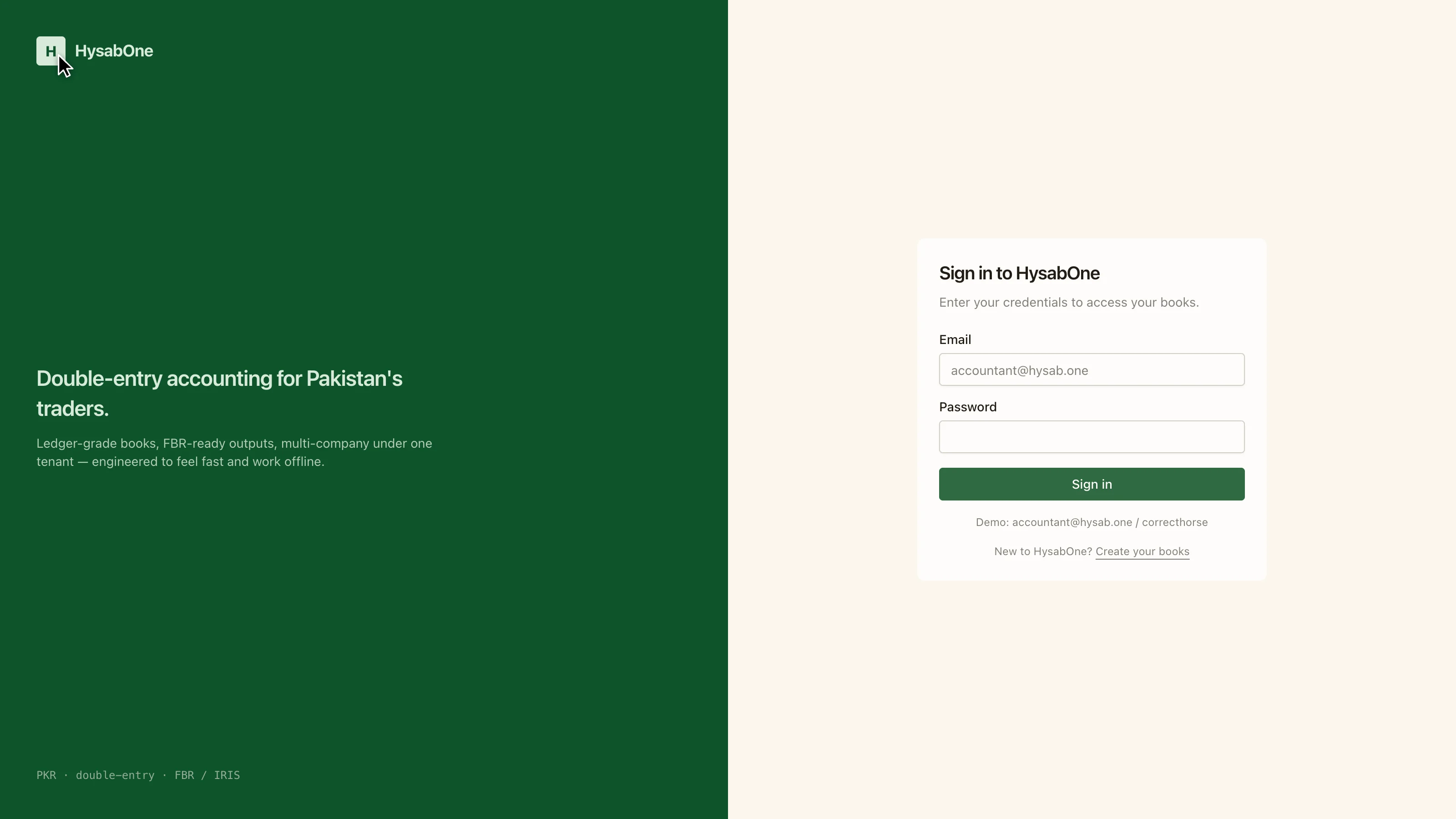
Your books live behind sign-in. One tenant can hold several companies, so after signing in you are placed in your default company and can switch from there.
- 1
The sign-in screen. Your books live behind this — one tenant can hold several companies, and you pick the company after signing in.
- 2
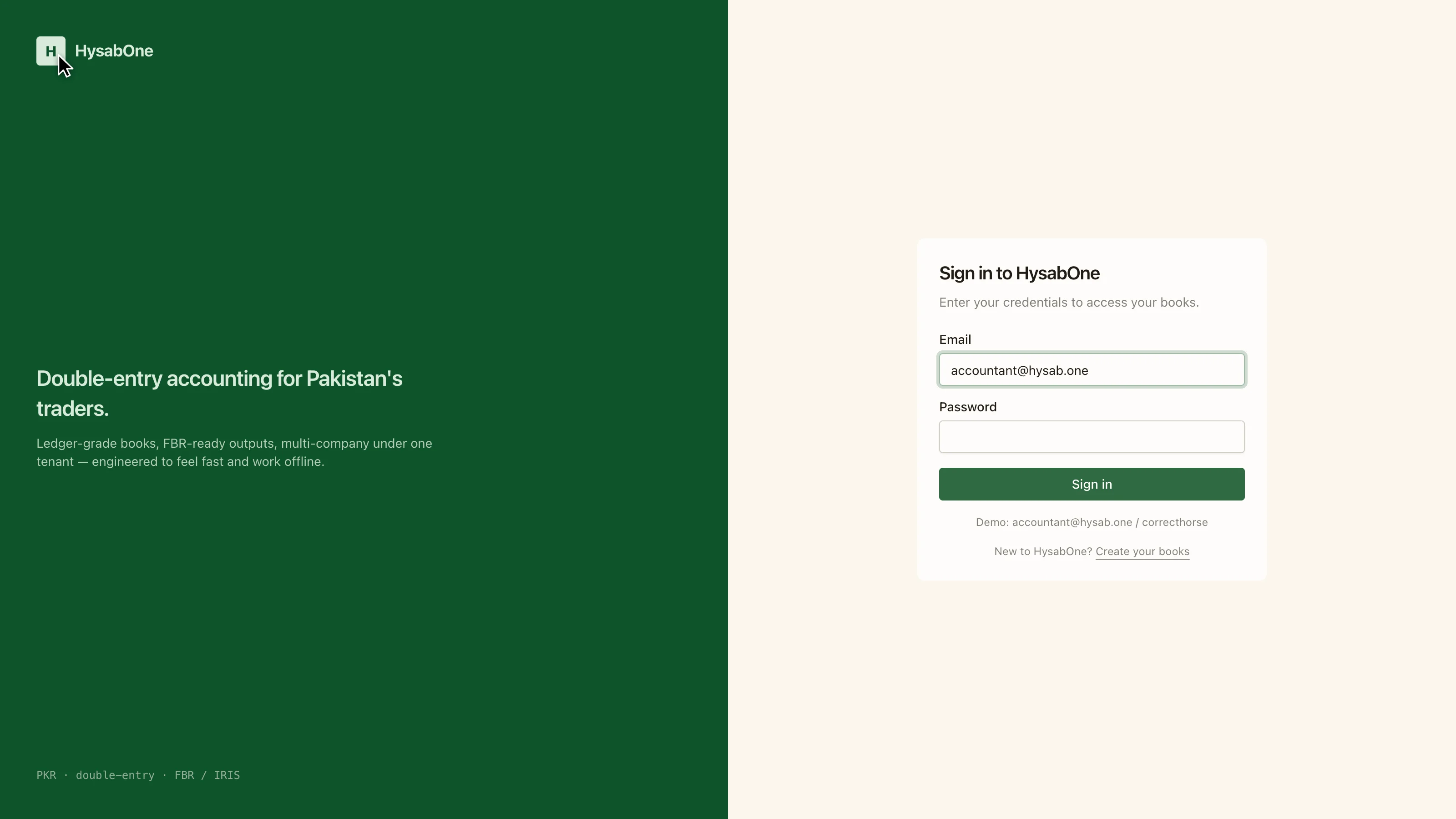
Enter the email address your books were registered under.
- 3
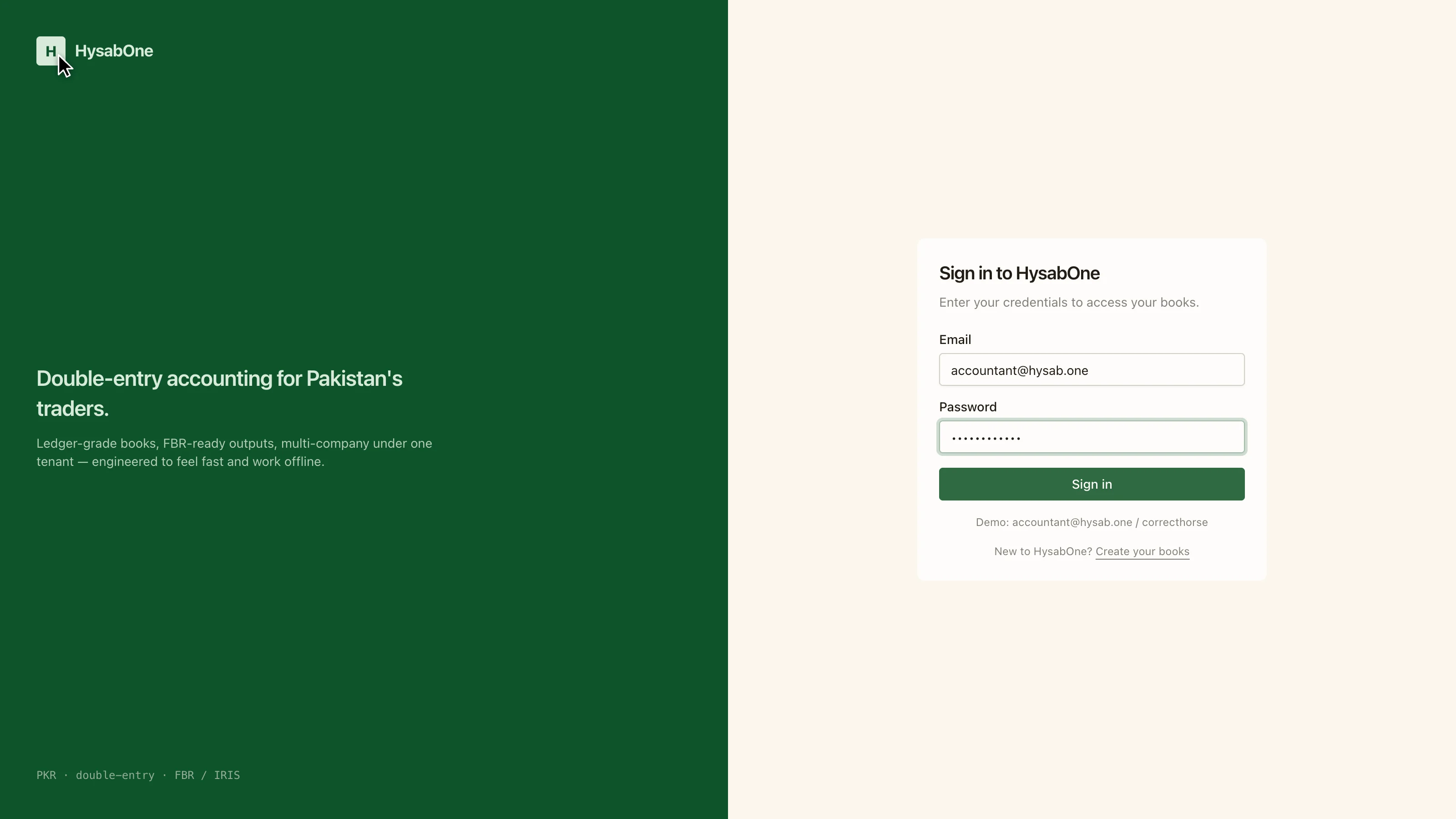
Enter your password. It is never stored in readable form.
- 4
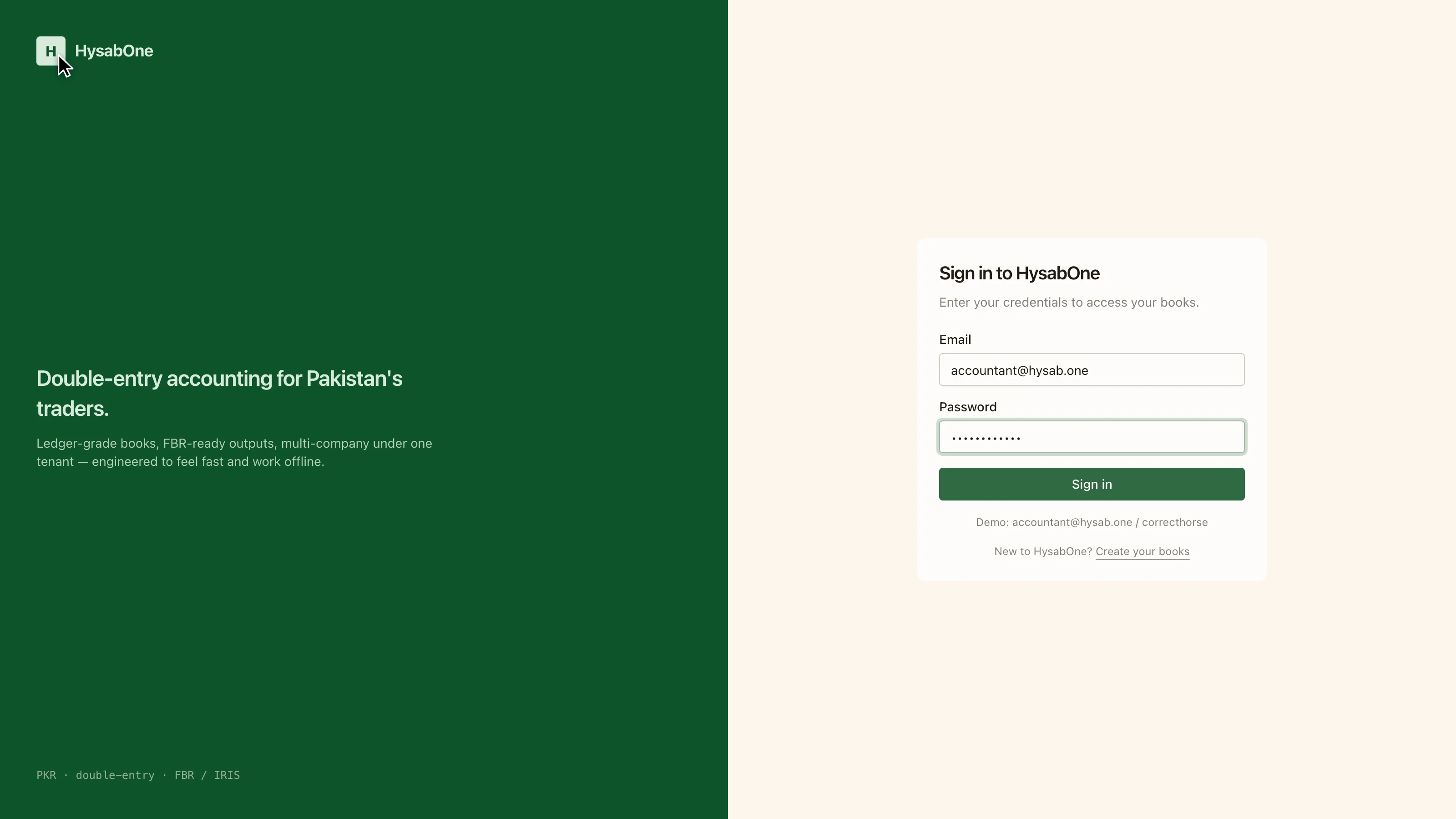
Select Sign in. You land on the dashboard for your default company.
If you cannot get in
Sign-in is by email, not username. If the address is right and the password is rejected, ask whoever administers your books to reset it — there is no self-service reset yet.