Task walkthroughs
Create a new set of books
Provisioning a company, a chart of accounts and an open period in one step.
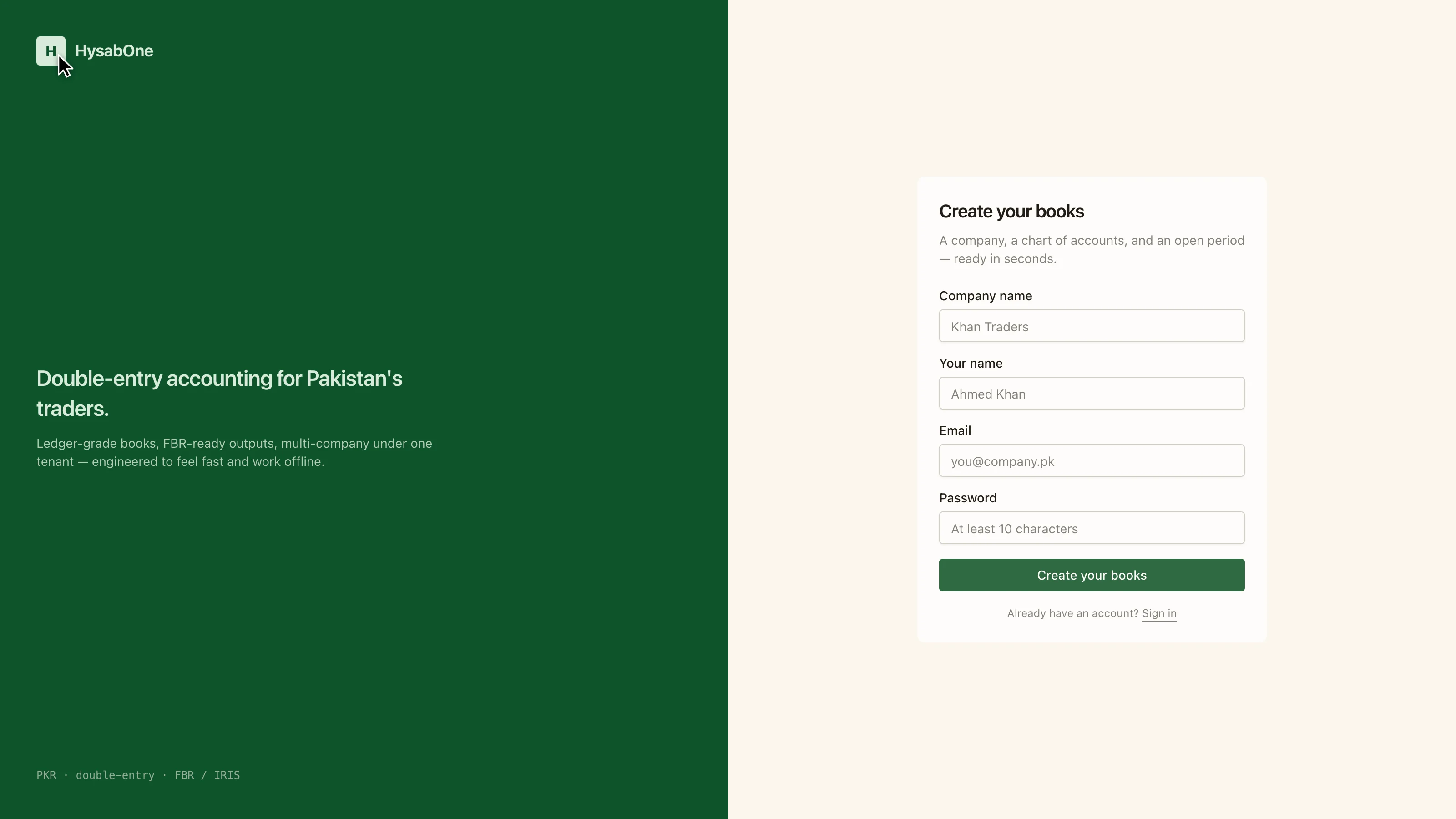
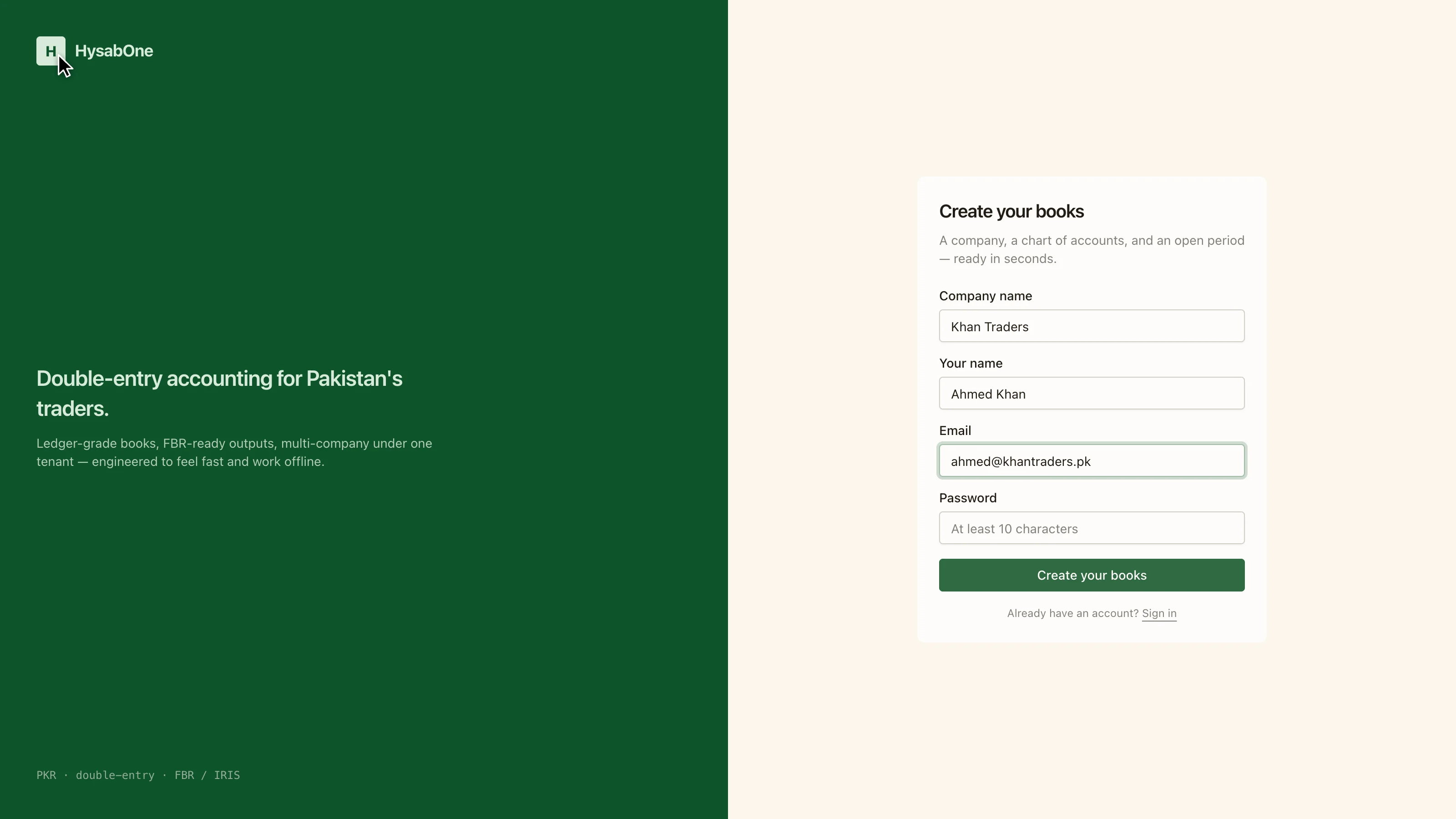
Creating books does three things at once: it registers the company, provisions a chart of accounts, and opens the first accounting period. You become the first user on those books.
- 1
Creating books provisions a company, a chart of accounts and an open period in one step.
- 2
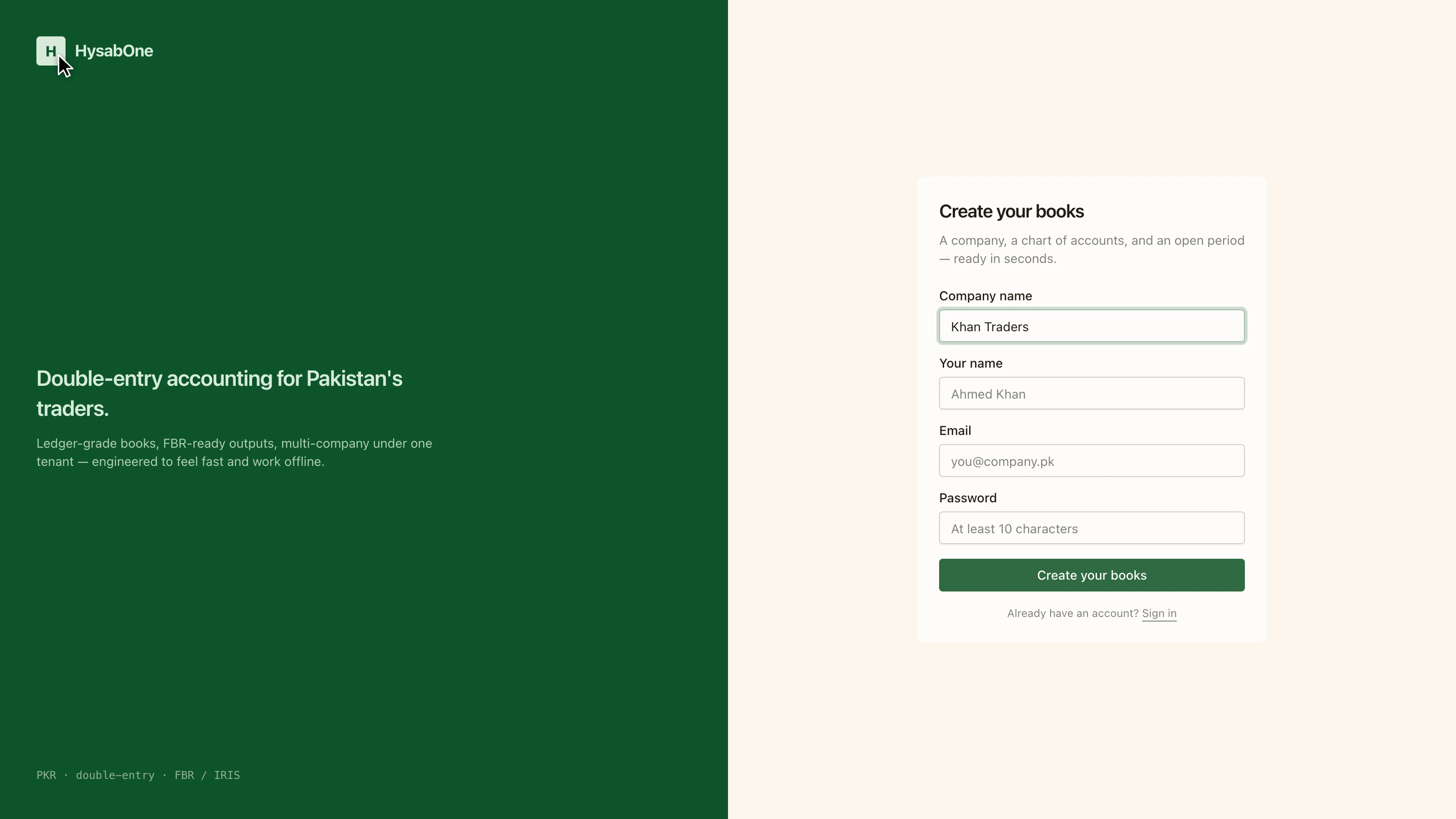
The company name appears on every invoice and report this set of books produces.
- 3
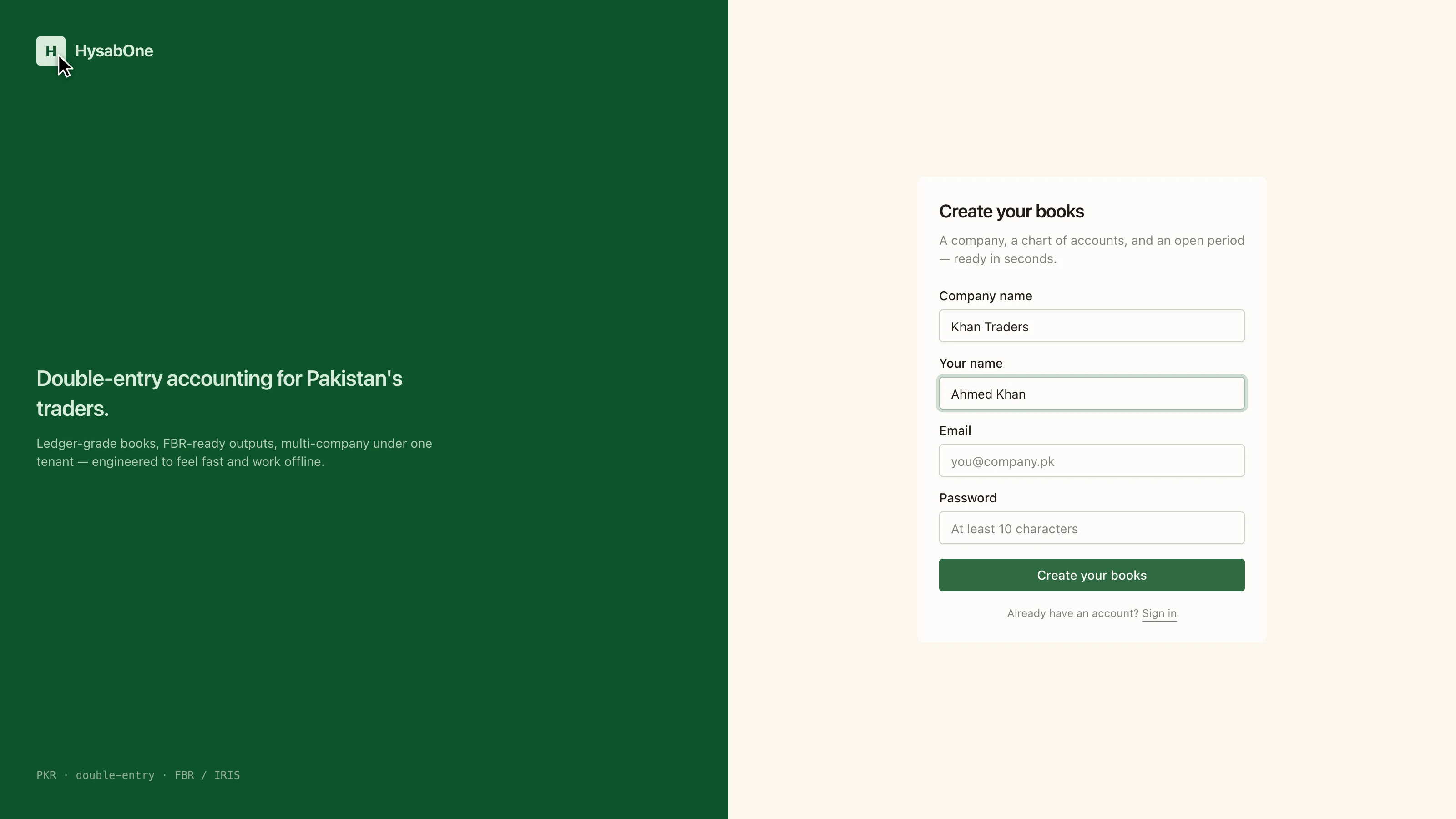
Your own name. You become the first user on these books.
- 4
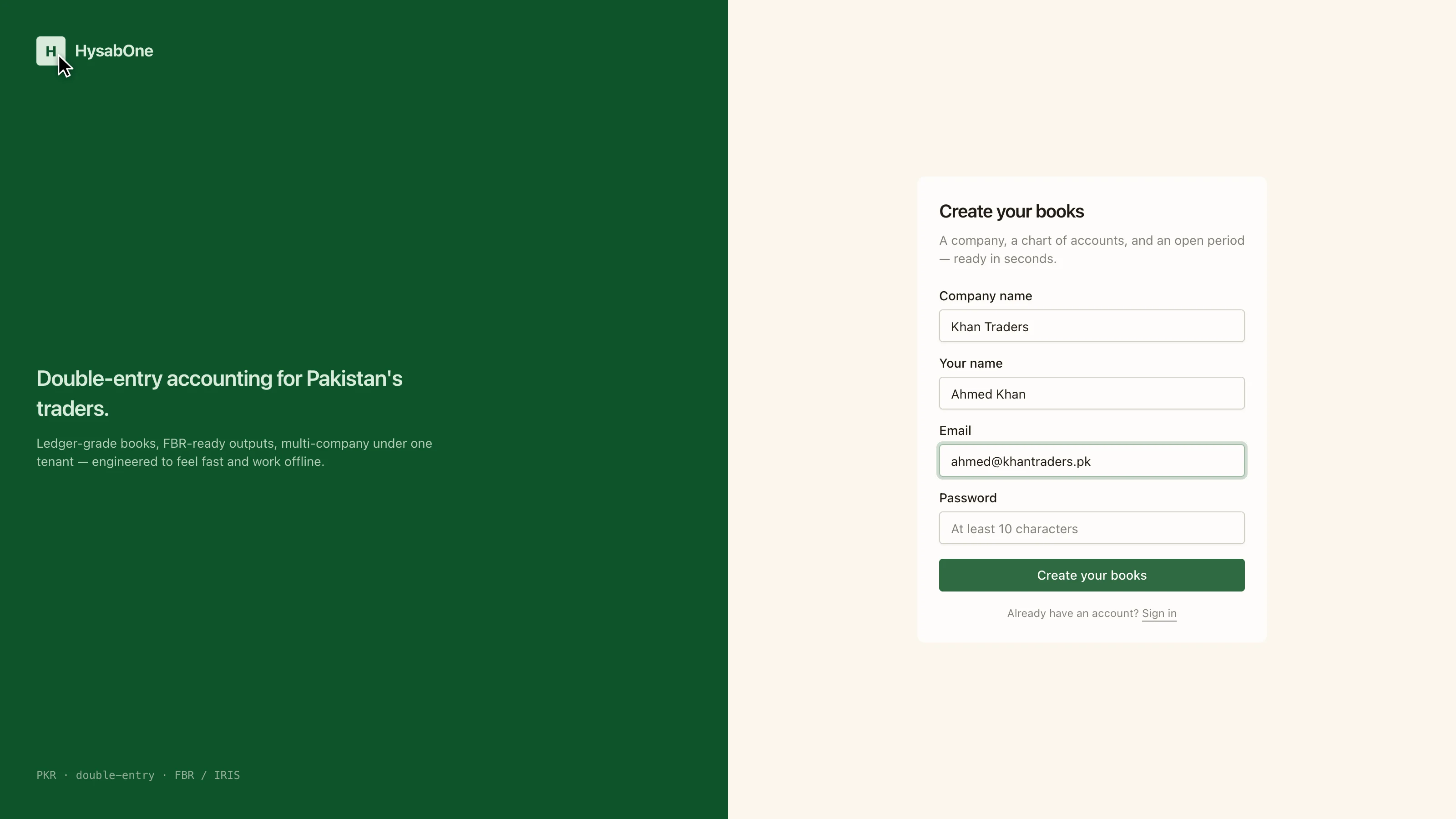
This email becomes your sign-in and receives the verification link.
- 5
The password must be at least ten characters.
What you get
| Company | Registered under your tenant |
| Chart of accounts | Provisioned, ready to post against |
| Period | Open, so you can post immediately |